Laptops for Adobe Illustrator - How to Choose
If you’re tearing your hair out trying to make sense of the gulf between Adobe’s minimum requirements and the schizophrenia of advice online, do nott worry - we’ve sustained the bald patches for you!
Below you’ll find out what kind of machine you’ll need to comfortably create your masterpieces without buying a laptop with more pointless features than David Beckham's tattoos.
We’ll focus on aspects that affect the performance of the machine, what displays will allow you to work with detail and accuracy, what peripherals you may need to connect to your lovely new device.
Is the minimum enough?
Here are Adobe’s minimum requirements for Illustrators:
- For Windows
- Pentium 4 or Athlon 64
- 3gb for 32bit and 8gb for 64bit
- 2gb for installation
- 720p min (Need 1080p for HiDPI mode)
- OpenGL 4.x
- VRAM 2GB
- Versions: Win 7 and later.
- For Macs
- Multicore Intel processor with 64-bit support
- 8 GB recommended)
- 2 GB of available hard-disk space for installation
- Versions: Mac OS version 10.13 (High Sierra), macOS version 10.12 (Sierra), or Mac OS X version 10.11 (El Capitan)
Ignore the official minimum. It won’t provide any kind of reasonable experience in real-world scenarios leave alone delight you.
What sort of performance works
Whether it's stylus work on a Bamboo pad or touching up with fiddly work such as this, you’ll want to avoid lag.
Here’s what you’ll need:
- Processor - If strictly using illustrator only, an Intel i3 should suffice. Consider the i5 or i7 or Xeon (6th Gen/ Skylake onwards) in order to be comfortable / cope with future demands particularly if you'll be using other CS suite or similar demanding applications.
- RAM - With new capabilities on the horizon, and higher resolutions in demand (=bigger file sizes) 12GB would now be the minimum, 16GB should be OK and 32 ideal. If you can find a machine with a Xeon processor, go for it! These babies can take advantage of ECC RAM which provides for a smoother and faster experience
- Hard drive - SSD would be highly advised. They do drive (excuse the pun) up the price of your laptop greatly improve speed and longevity. Whilst they tend to have less capacity (typically 128, 256 and 512 GBs) if you still need more physical storage simply buy a cheap USB3 (or higher) external drive. If you are looking to trim the cost, newer SSHDs and other hybrid drives are available at nearly the same price as HDDs providing nearly the same speed benefits of an SSD. I would suggest avoiding regular HDDs if you can. If you want the best solid state drive, then look for an “M.2.SSD”. These devils talk to the motherboard at three times the speed of your regular SSDs. If speeds going to be key for you it may be worth the moolah.
Visual Fidelity
You'll want a visual experience that is accurate and detailed. Here’s how:
- Screen size - unless you are using an external monitor, you'll struggle with using anything less than a 14-inch laptop. Once you've allowed for the plethora of toolbars, you'll have barely any workspace with a 13 inch or smaller screen, even at higher resolutions.
- Screen resolution - Illustrator can theoretically be used at much lower resolutions but anything less than Full HD and the granularity you can work on is reduced. You'll be forever having to zoom in and out to get from context to detail. The higher the better. Look for labels such as HiDPI, UHD, 4K and 5K
- Glossy or matte - Annoyingly, the answer to this is ... It depends. Most graphics artists will swear by matte screens (less glare, more accuracy or 'granularity'). However, you'll notice the stereotype of illustrators is the Mac user - nearly all of which are glossy. And in fairness, aesthetically, they look amazing. Vibrant, but perhaps not that 'real', more reflective, with detail ending up more blended than it should. This may up be down to your preference and experience.
- Screen technology - OLED or AMOLED would, without doubt, give you the most accurate colours with the purest black possible. But they are expensive. IPS, the most common of the higher standard screens will give you consistent colour reproduction over the entire screen and from the various angles you may need to view from. The basic TN should be avoided at all costs. They tender be faster in response time but the colour accuracy and viewing angles should rule them out. VA and PLS screens may be a compromise if you really need to trim the bill.
- Avoid integrated cards - Adobe software can make use of a discrete/dedicated graphics card’s GPU capabilities which means buying a machine with a higher end card. An Nvidia GTX 9 series might do but a 10 series would provide greater reassurance that you'll have a smooth snappy experience in your creative efforts. Quadro, Radeon Pro and Iris Pro are more suited to design with than the aforementioned high-end gaming cards but they are pricey (but worth it)
Touchy feely type?
- Touchscreen - This is becoming more popular with illustrators and has been fuelling the rise of hybrids and 2- in-1 laptops such as the Microsoft Surface Pro and iPad Pro. Finding a hybrid or touchscreen laptop that will have the size or performance capabilities mentioned above will be difficult and at the very least quite pricey. Hence, you need to decide whether working with a stylus on a screen is important for you. Most would still rather spend their midnight oil on a WACOM style tablet. If you'll be working on the fly, however, then a touch screen or hybrid will definitely be worth it especially - if it’s your second machine.
- Touchbar - Fun, but considering the dizzying array of functions, toolbars palettes and buttons to switch between, you'll find yourself sticking to the on-screen selection.
Ports? All sorts
- Thunderbolt 3 - Superfast. However, presently this is useful for little else than attaching 4K (or higher resolution) monitors as compatible peripherals and drives are few and far between. Thunderbolt 2 is also very fast. However, for the sake for being forwards compatible, and the fact that most Thunderbolt 3 ports will also double as USB 3 ports, we'd suggest Thunderbolt 3 as highly desirable but not essential.
- USB - Big files need big speed. USB 3.2 (or Thunderbolt) is essential. If you wanting a more portable machine you may have to settle for two or even one port. The latter, however, may be a compromise too far.
- HDMI - Ports are struggling to remain relevant with USB 3.2 and Thunderbolt stealing their...err, thunder. DisplayPort and Mini display ports are becoming more common on higher-end machines, but Thunderbolt ports are usually DP capable already.
If you need to be more measured with your moolah
If you’re stretched on your budget, you might be able to increase your RAM at a later time - although be warned, slimmer machines are removing access panels and soldering RAM to the motherboard (yes we’re looking at you Apple!!). You could also optimise your experience on Adobe Illustrator by tweaking a few things such as working using the “Outline View” which hides paint attributes and thus squeeze out a bit more performance. Furthermore, disabling the anti-aliasing on your artwork would help… although at the expense of jagged edges here and there.
Conclusion
There you have it. Choices abound when it comes to selecting a device to use with Adobe Illustrator.
But remember, if the idea of memorising all that advice, juggling different spec combinations and then finding the matching machines across the many good (and excluding the not so good) online retailers seems a little daunting, grab a peek at our selection of laptops for Adobe Illustrator below.
Our Top Picks for Laptops for Adobe Illustrator - How to Choose
Our scores reflect the needs in this guide, rated across 40+ dimensions by the Choosist engine.
Choosist may earn a commission if you buy through retailer links. Recommendations are based on product fit, not retailer commission. Prices and availability can change. As an Amazon Associate I earn from qualifying purchases.
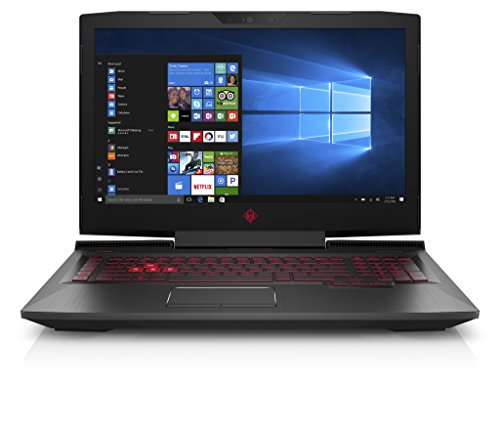
The OMEN 17-an001ca is a high spec machine for professional photo and graphics work. Boasting a powerful 2.8 GHz processor and 12 GB RAM, along with a NVIDIA GeForce GTX 1050 dedicated graphics card, this laptop will help you achieve the very best results.
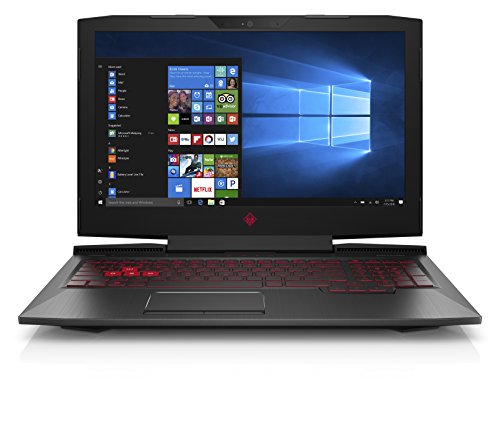
With plenty of RAM, processing power and a dedicated graphics card , the OMEN 15-ce010c gives you everything you need to complete high quality photos and graphic design projects.
The on-board Memory size of 8 GB and the quad-core Intel Core i7-7700HQ processor on this laptop allows you to quickly convert high ppi image formats and rapidly iterate through your concepts. The NVIDIA GeForce GTX 1050 graphics card offers extra power for rendering your creative work on to your...
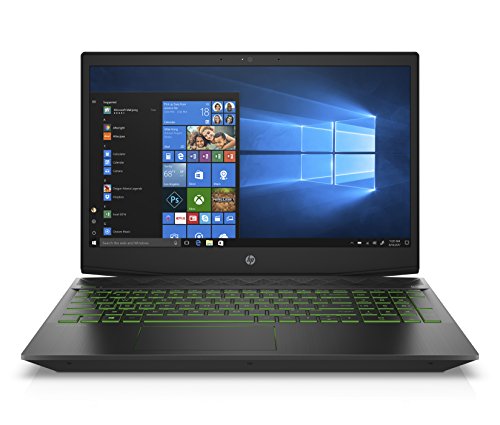
The Pavilion Gaming 15-cx0020nr is a high spec machine for professional photo and graphics work. Boasting a powerful 2.3 GHz processor and 8 GB RAM, along with a NVIDIA GeForce GTX 1050 Ti dedicated graphics card, this laptop will help you achieve the very best results.
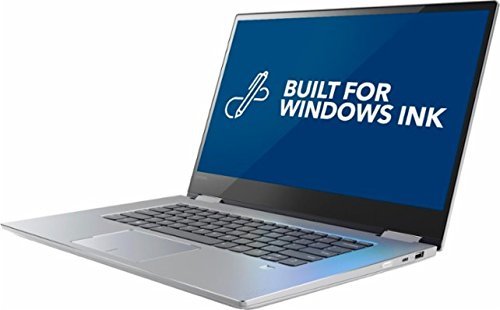
The on-board Memory size of 8 GB and the quad-core Intel Core i7-7700HQ processor on this laptop allows you to quickly convert high ppi image formats and rapidly iterate through your concepts. The graphics card offers extra power for rendering your creative work on to your spacious 15.6 inches...
The Pavilion Gaming 15-cx0030nr is a high spec machine for professional photo and graphics work. Boasting a powerful 2.3 GHz processor and 8 GB RAM, along with a NVIDIA GeForce GTX 1050 Ti dedicated graphics card, this laptop will help you achieve the very best results.
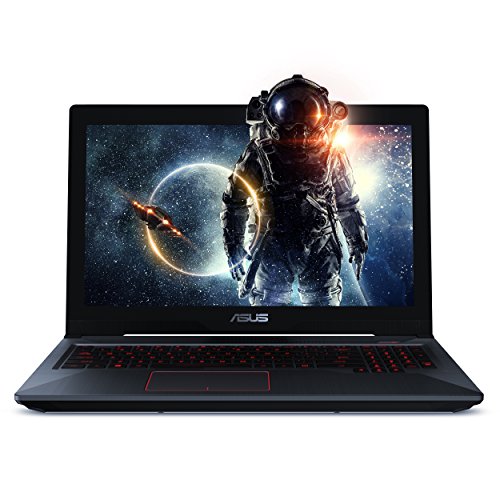
With plenty of RAM, processing power and a dedicated graphics card , the EH73 gives you everything you need to complete high quality photos and graphic design projects.
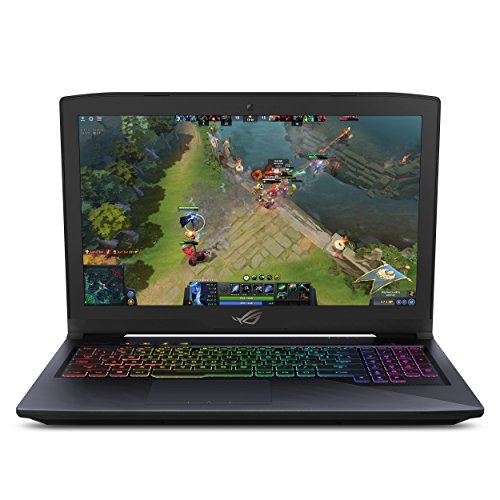
With plenty of RAM, processing power and a dedicated graphics card , the ES73 gives you everything you need to complete high quality photos and graphic design projects.
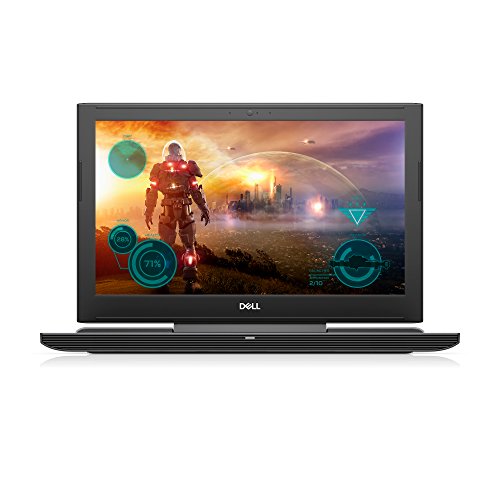
The on-board Memory size of 8 GB and the quad-core Intel Core i7-7700HQ processor on this laptop allows you to quickly convert high ppi image formats and rapidly iterate through your concepts. The NVIDIA GeForce GTX 1060 graphics card offers extra power for rendering your creative work on to your...
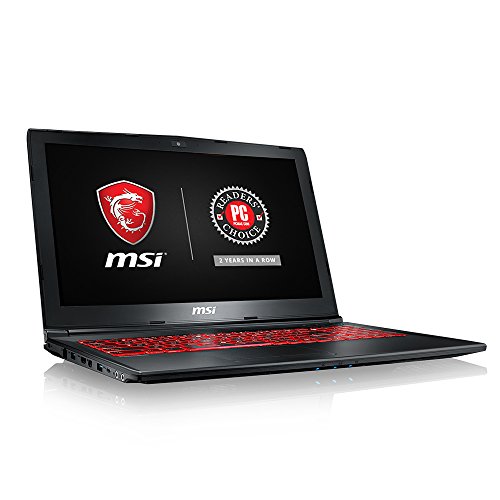
The on-board Memory size of 8 GB and the quad-core Intel Core i7-7700HQ processor on this laptop allows you to quickly convert high ppi image formats and rapidly iterate through your concepts. The NVIDIA GeForce GTX 1050 graphics card offers extra power for rendering your creative work on to your...
View a full list of laptops for graphic designers.
For most families: the HP OMEN 17 i7 17.3 inch IPS HDD+SSD Black. Don't overthink it.
These picks are ordered around fit, not retailer commission. If your needs are more specific, Choosist can narrow the choice for your budget, use case, and region.
[Last updated: December 2025] So Black Friday happened....

Windows is an operating system that needs no introduction. T...
Laptops exist for the purpose of portability. No battery, no...
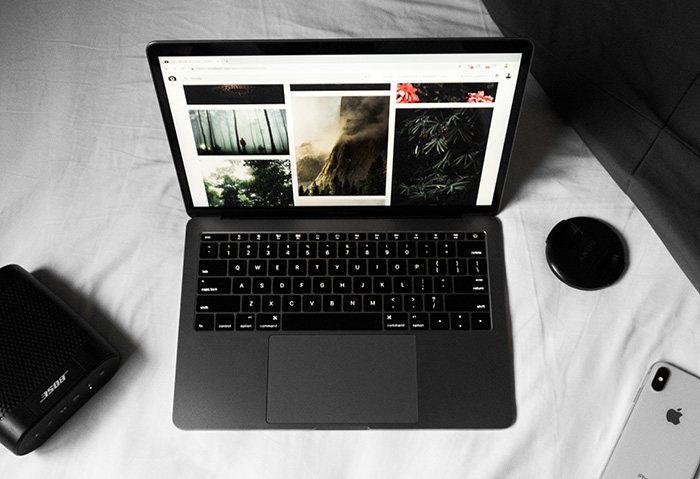
The most popular laptop size is 15 inches closely followed b...