Best Laptops for Engineers and Engineering Students in 2026
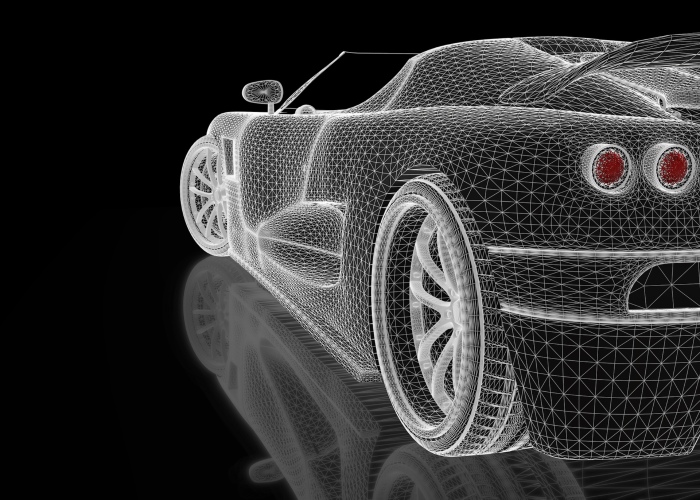
Engineers and engineering students now rely on their computers more than ever. Both demographics need to have a machine that allows them to meet their deadlines in a simple, fast, and efficient way. Qualified engineers have the need for a reliable laptop that is capable of performing within the engineering realm no matter the environment.
There are a variety of engineering disciplines that you’ll need to factor in when choosing your laptop. Each engineering task will require a different set of specs, so it’s important that you know just what you’re going to be using your new laptop for. These include:
- CAD Design for modeling, design, and simulations
- Using Computational Fluid Dynamics Software
- Software Engineering - Front End
- Software Engineering - Back End
Getting the right basics is incredibly important, but you’re also going to need to focus on the heavy engineering principles that will dictate your system requirements. There are some key areas that you need to keep an eye out for. Investing in the right laptop could mean you have an easier time as both a student or a working engineer, so we’ve compiled this guide showcase the must-have features and bare essentials of the best engineering laptops. For computer and software engineering, then you might want to check out our article on the best laptops for programming, coding, and developers.
Necessary Differences - Students and Engineers
The best laptop for your engineering tasks will be slightly different depending on whether you are a student or a qualified engineer. Let’s take a look at the differences that count.
Engineering Students
The main concern when it comes to laptops for engineering students is going to be cost. Living on a student loan means that you will likely have a more limited budget to play with. Getting the right laptop will mean balancing budget with computing power, with an eye on portability as well. As a student, you’ll be using a wider variety of software than those with set roles, so your range needs to be broader as well.
While at university, it is essential to keep on top of your workload. Having a laptop will allow you to do just that, but you need to ensure that your chosen laptop has the correct specs. When it comes to a laptop for an engineering student, you will want to look closely at the options in your budget that come with a display size of 15-inches or above, plus your RAM must be a minimum of 6GB.
The best laptops for engineering students are different from the best laptops for other students, so if you’re on a broader course, you might want to check out the Choosist list of best laptops for students.
Engineering Professionals
For laptop designers, it’s always been difficult to meet the demands of engineers. They have been forced to find tighter ways to strike the right balance between bigger memory, better graphics, and larger screens, without compromising on weight and appearance. Picking the right laptop will mean that you have a wide range of considerations, and you will have to address your trade-offs - performance vs convenience. The best engineering laptops are getting more powerful, but you may lose that all-important portability by doing so.
Despite the surface differences, there are some basics similarities that you will need to check out before you commit to your laptop.
Modeling, Design & Simulation
This is where the majority of your engineering workload will be done, and it’s also the reason why engineers need a laptop that has serious power. Looking at the more common uses can help you to understand just what you need your laptop to have.
CAD software considerations
There’s no avoiding the fact that the latest CAD software choices are becoming ever-more demanding. As a result, your display resolutions need to be no less than 1080p, should be at least an IPS or better, and the graphics card should be of high quality. Your laptop will need to have some strict criteria if you want it to be able to do all that you want it to do.
- Processor - If you want to run a variety of software at the same time, then you’re going to need a strong processor. This will mean that you can use your engineering resources in a way that is more time-efficient. The better your processor, the better performance you’ll get when running CAD software. Ideally, you want to find a laptop that comes with a minimum of an Intel i3 7th generation processor from 2017, although if you can go more high-powered than this then it’s going to be a good move.
- Cores - While you don’t need to understand what cores are or how they work, remember to make sure that you don’t invest in a laptop with single or dual-core processing. These are not going to be good enough to run your CAD software effectively. Look for four cores at the absolute minimum
- RAM - This is also a very vital component of your laptop, and if you’re running CAD software, having plenty of RAM is going to be essential. Engineering students may be limited by what they can afford when it comes to RAM, but prioritizing it is very important. Look for at least 8GB of RAM. Anything less than that could easily cause slower performance once you start running multiple applications in parallel.. If you’re running 3D CAD software, then you will need to look at 16GB if you want to avoid the risk of slow workrates.
- Graphics Cards - CAD is one of the more demanding software types when it comes to graphics. That’s why some engineering students opt to invest in a gaming laptop. If that sounds appealing, here’s the Choosist rundown of the best gaming laptops in 2019. One of the big mistakes that people make when looking at graphics cards is assuming that the more expensive they are, the better they are. This is not exactly true. There’s a distinction between graphics cards that are optimised for gaming and those that are optimised for producing or working on 3D content. The latter are typically referred to as the “workstation GPUs”. Different vendors will have different positives, and the best one for you will depend on the CAD software packages that you use. That means that you will need to check out the requirements of your most commonly used software, but a good rule of thumb is that you should try to stay above 4GB of VRAM if possible. Look for a dedicated workstation GPU, with the NVidia Quadro series or the AMD equivalent good options that will do the job.
- Screens - For engineers and engineering students alike there is a just one rule when it comes to picking the right size screen for your laptop: bigger is better. CAD software users should opt for ultrawide screens if possible, but these can be expensive and out of reach for those living the student lifestyle. It’s worth considering your screen size carefully if you’re using CAD software because you simply get a lot more on-screen space to play with when designing. Make your minimum screen size 12-inches, although academics are advised to not go lower than 15 inches. You should also keep an eye for laptops with an IPS display, so that your viewing angles are better, as this will allow you to collaborate with your team far more easily thanks to the wider viewing angles. It’s also a good idea to make sure that your screen resolution is suitably high, and you shouldn’t be looking at anything that has less than 1080p.
Computational Fluid Dynamics Software considerations
Although there are many similarities for your laptop essentials when looking at CFD software considerations over CAD software, there is one main some difference. If you’re going to be running CFD software then you definitely need a high-end graphics card. That's because it’s going to take a lot of power to show and render those structural analyses, 3D piping, and Sheet Metal Modeling. The need for effectiveness when running a high range of algorithms that drives visual rendering techniques means that a good graphics card is vital.
Numerical & Simulation software
Less focused on the visual element, you will still need to focus on a high RAM and a strong processor. This doesn’t mean that you can ignore your graphics card, because they will still require a strong visual element, especially in the end result.
Extra Considerations When Selecting Your Next Engineering Laptop
No matter whether you’re a first year engineering student or a qualified professional, there are some basic considerations to remember when looking for the best laptop.
- Portability: This is also an important factor to consider. Don’t limit your thinking to size and weight, though. While these are big factors to think about when considering portability, there are other areas to consider as well. Battery life is going to be important, and you may struggle to find an engineering laptop that will last for days without being plugged in. There are engineering laptops that can give you several hours of battery life, so make sure that you check what your laptop options will grant you. You should also check your connectivity as well. Being able to connect to Wi-Fi or Bluetooth connections is going to be important, especially if you're collaborating with others or setting up a presentation.
- Operating System: Choosing the right Operating System will be very dependant on the applications that you are most likely to be using. While there are clear advantages to Macs, they can be problematic for engineers simply because there are a number of restrictions in terms of which engineering programs are compatible with Apple products. For a better price and much more versatility, it’s best to aim for a Windows OS.
- Durability: While students may not have to worry too much about damage to their laptops, professionals should be aware of the need for durability when choosing from the best engineering laptops. Worksite accidents could cause damage to your machine, so a tough chassis for your laptop can limit damage. Even the classroom can be dangerous for your laptop, so it’s worth knowing some basics. Laptops are tested for durability using military specifications (Mill-Spec), and there are a wide range of tests that they have to endure. These can include drop tests, ensuring that the laptop functions in extreme temperatures, and that they can cope with demanding environments. The end result is three classes of durability: business rugged, semi-rugged, and fully rugged. If you’re an office-based professional then this may not be a factor, but if you're doing CAD for construction companies, being able to endure in the tough on-site environment could be crucial.
- Customer support: The ever-evolving demands on your laptop of choice means that you will be better off prioritizing a model that has a high level of customer support. This may mean doing a little online searching for customer reviews and feedback. As a general rule, Apple are renowned for their strong levels of support, but as Macs may not be the best option for engineers, they may well be out of the running. The big name brands like Samsung and Acer can also be of benefit when it comes to ensuring that you get the right advice when you need it.
- Accessories: There are some additions to your laptop that engineering students and professionals alike should also pay attention to. These come with a few different benefits, but could help to improve your work or make your laptop have a longer lifespan:
- A laptop bag: With such a firm focus on portability, having a secure and sturdy bag to carry your laptop in can reduce the potential for damage and loss, and also make it easier to drag your laptop from class to class, or meeting to meeting. If you can justify the expense then it might even be worth looking at a high-tech laptop bag that is capable of charging your laptop. While you will not usually be able to travel when charging through your bag, this can be a very useful bit of kit.
- USB Storage: You may be able to reduce your reliance on your laptop if you invest in a USB storage device that is capable of storing large volumes of data. This could mean that you can leave your laptop at home when you only need to present your final results.
- A Mouse: Using the touchpad on your laptop is easier than ever, and there are some very sensitive and precise touchpads now available on laptops of all budgets. Still, it’s advisable to invest in a mouse if you want to max out your precision, and you will have a wide range of options to suit your budget. Whether you opt for one that is connected via a lead or Bluetooth will depend on your preferences, but either will be more comfortable and more precise to use than your touchpad. For back-end engineers this will be less important, as they are more likely to rely on keyboard shortcuts to get to where they need to be.
Choosing the best laptop for all of your engineering needs doesn’t have to be difficult. Knowing these basics could save you a lot of time and headaches. Remember that if you’re not quite sure what you should be looking for, then you can always make use of Choosist Wizard to get the help that you need.
Our Top Picks for Best Laptops for Engineers and Engineering Students in 2026
Our scores reflect the needs in this guide, rated across 40+ dimensions by the Choosist engine.
Choosist may earn a commission if you buy through retailer links. Recommendations are based on product fit, not retailer commission. Prices and availability can change. As an Amazon Associate I earn from qualifying purchases.
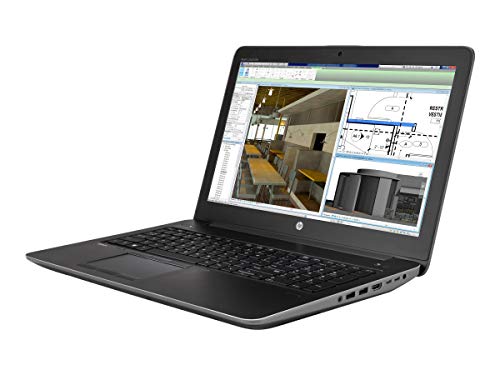
From running visual and structural simulations to rendering your next animated showpiece, the ZBook 15 G4’s multi-core CPU and NVIDIA Quadro M1200 GPU will help bring your ideas and designs to life.

From running visual & structural simulations to rendering you next animated or VR showpiece, this laptop's multi-core CPU and its production-focused GPU (the NVIDIA Quadro M1200 ) can help share your ideas in vivid detail.
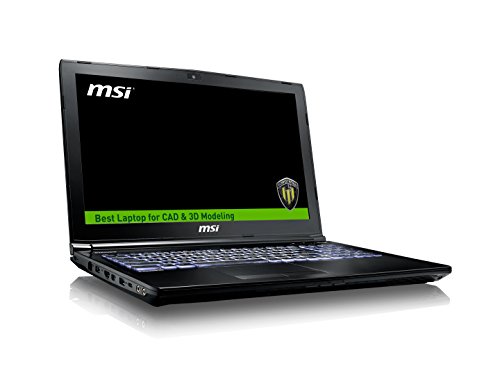
From running visual and structural simulations to rendering your next animated showpiece, the 9S7-16J572-1828’s multi-core CPU and NVIDIA Quadro M2200 GPU will help bring your ideas and designs to life.
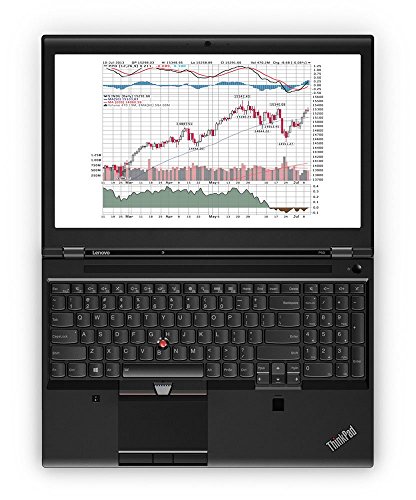
With a multi-core CPU and dedicated graphics card, the Lenovo ThinkPad P50 20EN has everything you need to create the most stunning, realistic 3D designs. And the high resolution 15.6 inches screen is perfect for showing them off too.
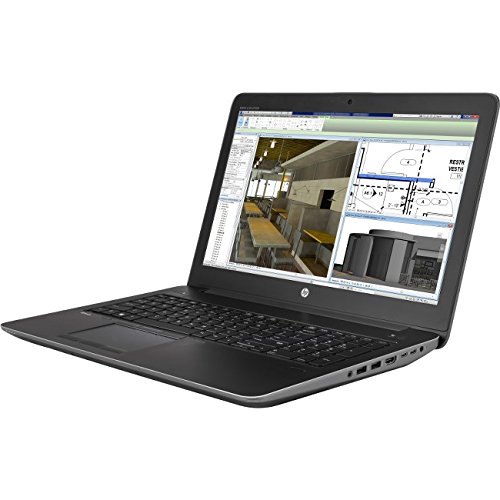
From running visual & structural simulations to rendering you next animated or VR showpiece, this laptop's multi-core CPU and its production-focused GPU (the NVIDIA Quadro M2200 ) can help share your ideas in vivid detail.
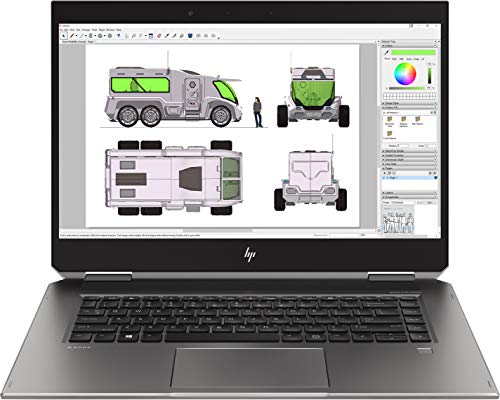
From running visual & structural simulations to rendering you next animated or VR showpiece, this laptop's multi-core CPU and its production-focused GPU (the NVIDIA Quadro P1000 ) can help share your ideas in vivid detail.

With a multi-core CPU and dedicated graphics card, the ZBook 15 G5 has everything you need to create the most stunning, realistic 3D designs. And the high resolution 15.6 inches screen is perfect for showing them off too.
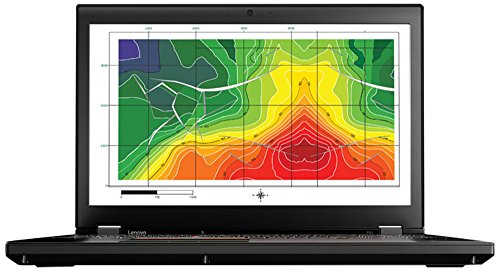
With a multi-core CPU and dedicated graphics card, the ThinkPad P51-4 has everything you need to create the most stunning, realistic 3D designs. And the high resolution 15.6 inches screen is perfect for showing them off too.
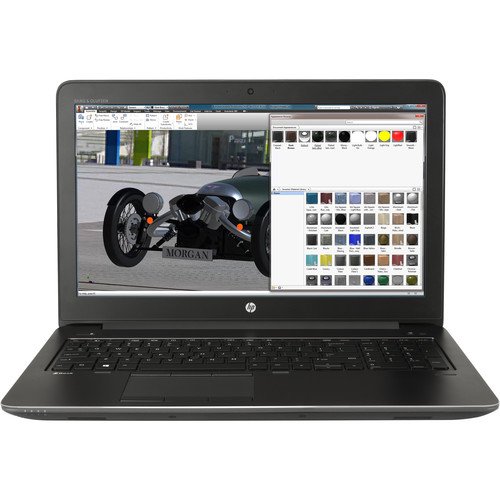
With a multi-core CPU and dedicated graphics card, the ZBook 15 G4 has everything you need to create the most stunning, realistic 3D designs. And the high resolution 15.6 inches screen is perfect for showing them off too.
With a multi-core CPU and dedicated graphics card, the ZBook 15 G5 has everything you need to create the most stunning, realistic 3D designs. And the high resolution 15.6 inches screen is perfect for showing them off too.
.
For most families: the HP ZBook 15 G i7 15.6 inch SVA Quadro Black. Don't overthink it.
These picks are ordered around fit, not retailer commission. If your needs are more specific, Choosist can narrow the choice for your budget, use case, and region.

🧭 Minimum specs at a glanceWindows: 8GB RAM minimum, 1...

Lockdowns and social distancing are the new normal, so schoo...

If you’re planning on buying a new laptop and your budget ...

When some video games are making more money than big-budget ...

When looking for a new gaming laptop, the first thing to rea...
Nowadays, musical geniuses can satisfy their passion for mus...

When it comes to laptop capabilities, every single one on th...

Technology has made massive headway the past few years, and ...

Ensuring your laptops ready for the latest gaming sensation...
For gamers with a budget of around C$1,500, there’s go...

Laptops are very convenient because they go wherever you g...

There is a general rule when buying a new gaming laptop – ...

Nowadays, taking your 17-inch laptop to the library no lon...

There’s nothing worse than buying a laptop for gaming, loa...

If you believe the movies, higher education is principally a...