Best Laptops for Music Production in 2026
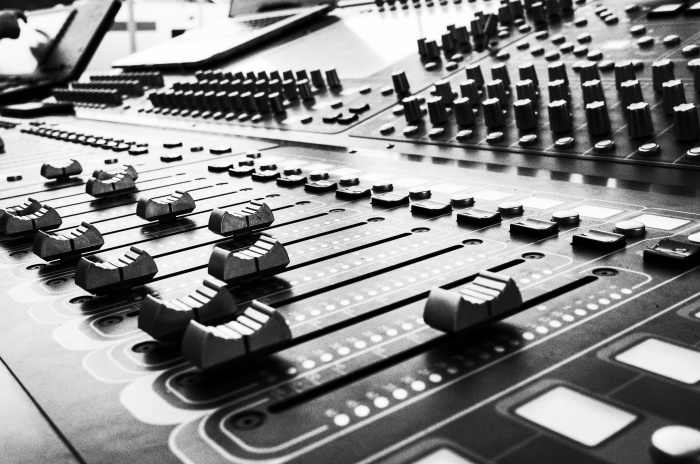
Nowadays, musical geniuses can satisfy their passion for music production with help from a professional and powerful laptop. You can create, edit and lay down music tracks for professional or semi-professional use, either from the comfort of your own bedroom or in a studio. What’s more, you don’t even have to own every instrument under the sun, as specifically designed software can play certain instruments, adjust how they sound, and even add filters.
Choosing the best laptop for music production should be done carefully. Not everyone’s music producing needs are the same, nor are their preferences. Students will be confined by budgets, busy professionals may need to get from A to B quickly and easily, and those with a home studio to work from have the advantage of using heavier and weightier laptops.
First of all, you need to know what you’re looking for in a computer, and then make an informed decision from there. Have a look at the Choosist Wizard to get a better idea of the kind of laptop you should be looking for, and keep the following factors in mind.
Narrowing Down Your Needs
When you’re buying a laptop, you will obviously end up with a better device if you buy with your activities in mind. Music producers will want very different laptops to accountants! Music production is a specialized task, and that means being aware of some of the spec requirements that you’ll absolutely need, and the specs that you don’t have to worry too much about.
Music production won’t require the latest cutting-edge specs, but it will need a basic level of power and speed in order to get your music recorded and arranged faster and more efficiently. Musicians all work differently, and what will satisfy the jazz performer may not be quite right for someone spitting bars into a mic. Let’s take a look at some of the most important questions to ask yourself before you make a final decision on your laptop of choice.
Are You Setting Up a Home Studio?
Home studios allow for more powerful, bulkier laptops to be used. This can be particularly useful if you are serious about music production and need to run and manage multiple samples and plugins at once – just remember to opt for the highest RAM capacity available in your budget. 8GB should be the baseline when it comes to RAM, but if you can justify going higher, then all the better.
Of course, RAM isn’t your only consideration. If you’re using a laptop as a desktop PC alternative, then you also need to put a lot of thought into cooling. Laptops can overheat, and don’t have the internal space that a PC has for the latest silent cooling technologies. Some laptops tackle this with a combination of fans and well-placed vents at the back of the machine, while others use the latest AeroBlade fans and copper piping to keep laptop temperature down. Of course, there are cooling peripherals that are very useful, so you may be able to invest in a laptop that isn’t optimized for reducing heat by looking at external cooling fans when your budget allows.
It’s worth mentioning your disk drive too. You’re going to have to choose between a hard disc drive (HDD) and a solid state drive (SSD). There are benefits to each, but for music production, it’s worth keeping in mind that although you’ll pay more for an SSD, they have no moving parts so they run silently (and they’re noticeably faster than the larger HDD type). If you’re making music then sound should always be a consideration, and although an SSD isn’t a priority, it could be the decider if you’re torn between a few laptop choices.
Does Your Laptop Need to be Easy to Transport?
Do you travel a lot? Do you need your laptop to provide extra tracks at a live gig? Do you work more productively outside your home? Laptops are designed for portability, but not every laptop is easy to take with you.
Slimmer laptops are light and easy to transport, but there may have been compromises made in the design that will affect power, storage, and speed. Durability is also an issue. If you’re taking your laptop to gigs then there’s always going to be the threat of drink spills, mosh pits that get frenzied, or crazed jazz fans getting out of control (that last one is less likely to be harmful to a laptop). Any live event has the potential to cause damage to your devices, so always look at what the chassis is made of, and whether there have been any clear considerations made to durability.
Are You Planning on Creating Music Videos Alongside Your Music?
Music and video go hand in hand, but that isn’t going to be the case when it comes to laptops. Video production, even at a basic level, is going to need a lot more when it comes to your processing power and GPU, especially when it comes to rendering time. If you’re planning on doing any kind of heavy video production, then your list of requirements are going to be very different from those who are focusing purely on music production.
Again, this comes down to knowing what you’re going to be using your laptop for. It can’t be stated enough that the more you know how you’ll be using it, the better you’ll be able to identify the perfect choice laptop you. If you want to start making your own music videos, then keep an eye out for the best graphics card you can budget for, a processor like the Intel Core i7, and don’t forget to make sure that your display is (at the very least) FHD.
Are You a Student?
As a student, your budget will be your biggest concern. Even with a student loan, you won’t want to blow through the money you have on a professional laptop when you could be spending it in the bar. That’s why you should narrow your focus to the best cheap laptops for music production.
Before you make your final decision, however, make note of your course requirements. Some courses will prefer you working on Logic Pro, while others will make you learn AVID Pro Tools instead. Always check with your course leader what kind of tools you’ll be using, and you’ll be less likely to end up with the wrong machine. The more you know, the easier it will be to get the best laptop for your course. It’s also worth thinking a bit more about portability as well. You don’t want to be dragging a brick around from class to class or gig to gig, so you might want to put more priority on slim and lightweight options unless you think a heavier laptop is a healthy alternative to going to the gym.
Are You a Hobbyist?
If you make music because you love it rather than wanting to make a career out of it, then you may not need to opt for the highest level of specs. This is going to come down to how much time you're going to dedicate to your hobby, and what other tasks you’re going to be doing on your new laptop. It might be wiser to make a budget plan that covers your main uses rather than your hobby, and any excess cash you have can then be used to focus on the necessary specs for music making.
Are You a Professional?
As a professional, you will need the best of the best. This means you need a computer that has more RAM, plenty of storage space (and the option to add more later as needed), a good core processor, and a professional sound card or an external digital to analog converter (DAC) to handle audio output. This is where cost is going to start becoming a major factor.
Professional musicians and music makers might also want to ensure that their laptop has:
- Plenty of ports for easier connectivity to peripherals
- Secondary desktop support
- A bigger screen
- The right balance of portability and power
Look at the software that you use the most often, and check the system requirements that it suggests. These will give you a baseline of the best specs to prioritize before you start looking at your unique work habits and needs.
Popular Music Production Software and Tools You Will Need
One investment you’ll make is software. Unlike other disciplines, musicians often stick and settle on one program for their career. Learning how to use a new tool can take a lot of time, and be incredibly frustrating. If you are a student who learned on Cubase, switching suddenly and needing to relearn everything for AVID Pro Tools can be a waste of time, money, and resources.
Though many music production programs can run on both macOS and Windows, there are some that are locked to one.
Top Software
Professional music production and editing software is expensive. You often won’t want to switch, so if you have any of the following programs, do note which computer you can use them with.
For macOS
Logic Pro
Logic Pro is an incredibly powerful tool that is only available on the macOS. It is perfect for professionals and has many different tools and plugins you can add to further customize the sound output of your music track.
Garage Band
The perfect tool for beginners is found natively within Mac computers and is free to download from the App Store.
For Windows
Many Windows-ready music production programs can also be used on macOS driven devices. A few can even be used on Linux.
DarkWave Studio
The Windows counterpart to Garage Band is DarkWave Studio, which is free to use on Windows computers.
For Both
There are far more options available for both platforms. This means that if you learned any of the below you have more options in terms of the laptop, as you will be able to produce music on the same software.
- FL Studio
- Ableton Live
- AVID Pro Tools
- Steinberg Cubase
Basic Features Your Laptop Should Have for Music Production
Regardless of who you are, be it a student or music production professional, your laptop must meet a certain level of standards. The best laptop for music production can be well out of your budget, but so long as it has these base specifications, you will be able to create music on the most popular software choices.
RAM
RAM is going to be one of the most important characteristics to consider when choosing good laptops for music production. At a bare minimum, you should have at least 8GB of RAM, but for professionals or those who use different sound bytes and instruments in their tracks, you may find that this isn’t enough.
The more time and money you’re putting into your music production setup, the smarter it is to invest more in your specs, and something like 16GB of RAM should be considered. While 8GB of RAM will serve you well, it’s always a good rule of thumb to remember that the higher your RAM, the faster your laptop will be. Multitasking will be easier too, so if you’re the type of creative that likes to jump between tasks, then higher RAM should be a real area of focus.
Processor Chip
When choosing the best laptop for music production for yourself, you want to pay particular attention to the processor chip. This is the part of your laptop that will be telling all of the other bits what to do, so you can’t dismiss this. A good baseline to remember is that an Intel i3 from 2018 will do the job perfectly well, but you may be able to juggle with your budget a little bit getting an i5 or i7 processor that is a couple of years older. This opens you up to older laptops that may be cheaper, without a reduction in your overall specs.
Display Resolution
Unless you also edit music videos alongside your music, chances are you won’t need exceptional display resolution. The standard screen resolution offered by modern laptops should be sufficient for your needs, however, it is vital that you double check to ensure that the resolution is at least HD 1080p (1920 x 768).
Screen Size
The smallest, simplest songs can still contain a lot of different tracks during production. Though you won’t need high resolution or even a particularly powerful GPU, you might want to consider investing in a larger laptop that offers a greater screen size. The only time this won’t be ideal is if you frequently travel and portability is your main priority. Even then, you won’t want to go smaller than 13”. Those tracks can get very unwieldy if you constantly have to search up and down a smaller screen, so the larger that you can justify in terms of cost and portability, the better.
Storage
When creating music, you need to think about the space you have for storing files and software. At a minimum, it is recommended that you get a laptop that has at least 256GB of storage built in, but you won’t go wrong by opting for one with more.
This is where you’re going to have to start thinking seriously about your HDD and SSD preferences. While there are some people that will always opt for an SSD over an HDD, those bigger, bulkier, and louder HDDs are not without value. They get the job done, and they are noticeably cheaper than solid state drives. It’s worth remembering that you can get yourself a cheaper HDD laptop for now, and look at ways to boost your storage space when you’ve sold your first album. Some laptops will let you open them up and replace some of the hardware inside (although you probably shouldn’t attempt this without some help if you’ve never done it before). Not all laptops allow for this, but pretty much every laptop on the market will have a port that will allow you to add an external hard drive. This can be a good way of storing everything you need on something that’s even more portable than your laptop itself.
Sound Card vs. Onboard Audio
If the model of laptop you’re looking at does not have a powerful enough sound card, then you might want to look elsewhere or choose a model that lets you add a dedicated sound card. With a dedicated sound card, you’ll be able to enjoy higher signal-to-noise ratios, less harmonic distortion, 24-bit sample rates, higher resolutions, and so much more. If you do have professional sound equipment, then you will be able to pick up the minute nuances in your music — better sound card, better audio quality, but only if your hardware can keep up.
What to Consider When Choosing a Laptop for Music Production
If you’re looking for a good laptop for recording music and producing songs, then there are some other factors to consider as well. As well as your power, speed, and storage, there are other areas that are worth looking at if you’re trying to narrow down your options. These are:
- Weight - When you think of portability, you probably start thinking about the size of the laptop. While you will obviously need to be able to slip your new laptop into a safe carrier, you’re also going to need to think about weight. If you’re heading off to gigs, or even using your laptop for backup when busking (we all need to save up for an album launch), then weight is going to become a factor. This is even truer if you’re already struggling with instruments to carry as well.
- Battery Life - If you do need your laptop to be small and light enough to be taken with you on the road, then aim for one that has as long a battery life as possible. Music production takes up a lot of energy, meaning you will need a battery that can give you at least a few hours of intensive work without dying. This isn’t really a make-or-break decision, as chances are very high that you’re just going to have to resign yourself to being plugged in more often than not.
Further Tips to Help You Choose the Best Laptop
The three things you need to always keep in mind when choosing a laptop is your budget, the needs of the software and tools you currently use, and processing capabilities. Storage space, though important, doesn’t have to be the final deciding factor. So long as you have enough storage to run your production program and samples, you can easily store finished or ongoing projects off your computer’s hard drive until you need them.
Going through all the models available is also difficult. To help you compare and even narrow down your selection, do make sure that you use our Wizard Tool. It’s a very simple and free process that can help you narrow down the ideal laptop at your budget in seconds. Compare your results, and all that will be left is to choose the best laptop for your music producing aspirations.
Best Laptops for Professional Music Production
Our scores reflect the needs in this guide, rated across 40+ dimensions by the Choosist engine.
Choosist may earn a commission if you buy through retailer links. Recommendations are based on product fit, not retailer commission. Prices and availability can change. As an Amazon Associate I earn from qualifying purchases.
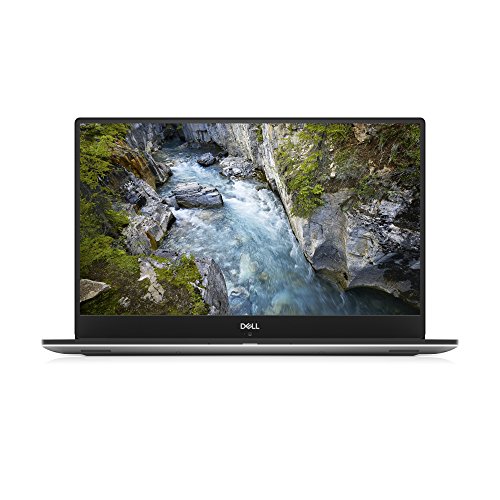
With its wide selection of ports the XPS 15 9570 sits at the heart of your music production workflow. And with a total storage capacity of 1024 GB hard drive, you’ve got plenty of space to store work in progress
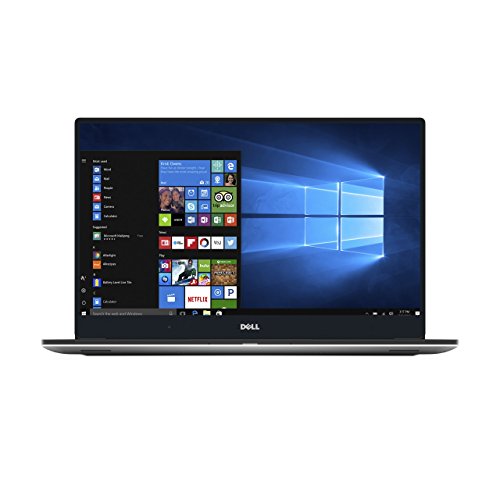
When you need crystal clear audio and plenty of grunt for processing and encoding, the XPS 15 9560 can handle everything you throw at it. A selection of ports allow you to connect instruments and devices, while the 2.8 GHz takes care of the actual production work.
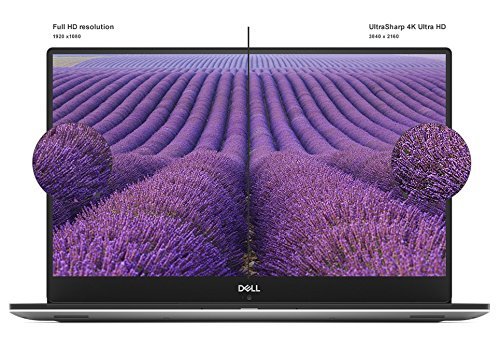
Since you're all about the music, this laptop will make a great side-kick to you music production gear. It's multi-core processor gives you the necessary muscle to rip, encode or convert your audio craft without having to wait forever. Also, it's on-board audio chip and high resolution screen...

When you need crystal clear audio and plenty of grunt for processing and encoding, the Yoga 920 can handle everything you throw at it. A selection of ports allow you to connect instruments and devices, while the 1.8 GHz takes care of the actual production work.
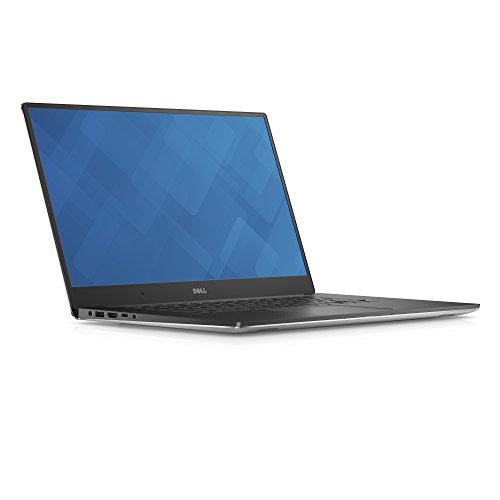
When you need crystal clear audio and plenty of grunt for processing and encoding, the can handle everything you throw at it. A selection of ports allow you to connect instruments and devices, while the 2.9 GHz takes care of the actual production work.
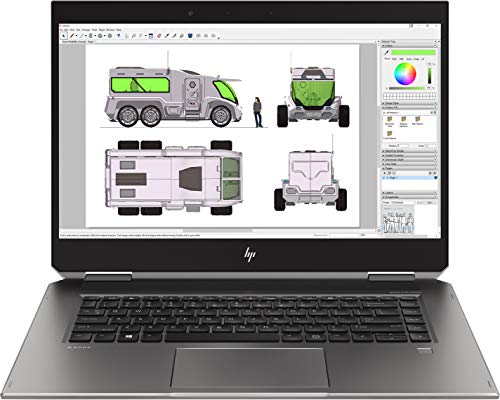
With its wide selection of ports the ZBook Studio 360 G5 sits at the heart of your music production workflow. And with a total storage capacity of 512 GB hard drive, you’ve got plenty of space to store work in progress
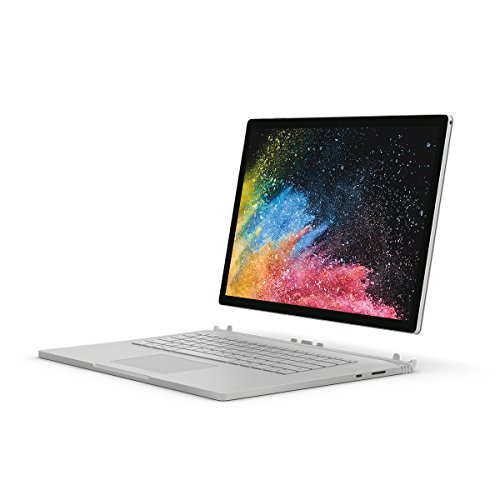
When you need crystal clear audio and plenty of grunt for processing and encoding, the can handle everything you throw at it. A selection of ports allow you to connect instruments and devices, while the 1.9 GHz takes care of the actual production work.

Since you're all about the music, this laptop will make a great side-kick to you music production gear. It's multi-core processor gives you the necessary muscle to rip, encode or convert your audio craft without having to wait forever. Also, it's on-board audio chip and high resolution screen...
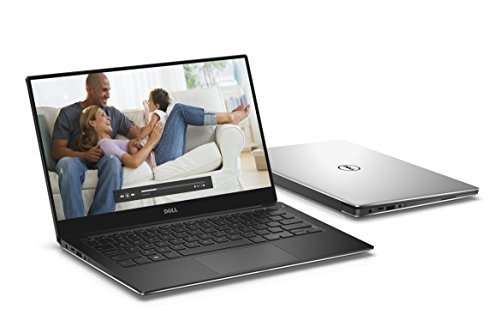
When you need crystal clear audio and plenty of grunt for processing and encoding, the XPS 9360 can handle everything you throw at it. A selection of ports allow you to connect instruments and devices, while the 1.8 GHz takes care of the actual production work.
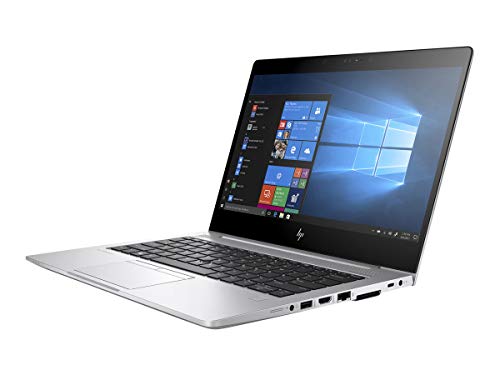
Since you're all about the music, this laptop will make a great side-kick to you music production gear. It's multi-core processor gives you the necessary muscle to rip, encode or convert your audio craft without having to wait forever. Also, it's on-board audio chip and high resolution screen...
Laptops for Simple Music Editing
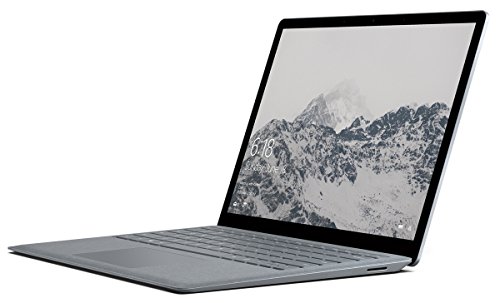
The Surface Laptop provides a great playground to create homemade tracks, mixes and audio effects. It offers ample storage for your music files with a total capacity of 256 GB. Also, the Intel Core i7-7660U processor gives sufficient power for converting your work into various music file formats

The Notebook - 15-bs070wm provides a great playground to create homemade tracks, mixes and audio effects. It offers ample storage for your music files with a total capacity of 1000 GB. Also, the Intel Core i5-7200U processor gives sufficient power for converting your work into various music file...
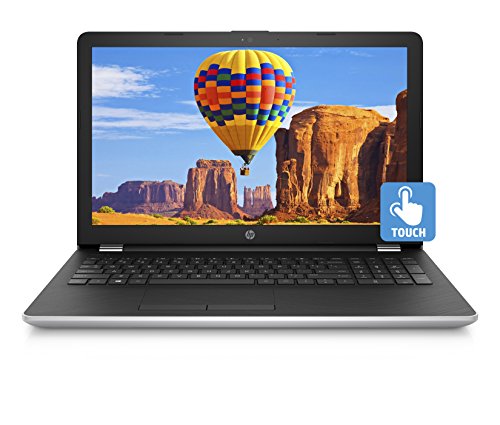
The Notebook - 15-bs080wm provides a great playground to create homemade tracks, mixes and audio effects. It offers ample storage for your music files with a total capacity of 1000 GB. Also, the Intel Core i7-7500U processor gives sufficient power for converting your work into various music file...
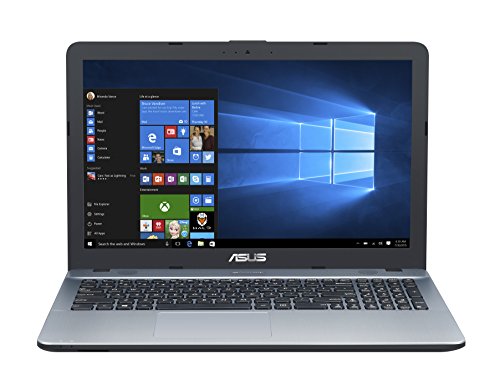
The VivoBook Max X541UA-DH51 provides a great playground to create homemade tracks, mixes and audio effects. It offers ample storage for your music files with a total capacity of 1000 GB. Also, the Intel Core i5-7200U processor gives sufficient power for converting your work into various music file...
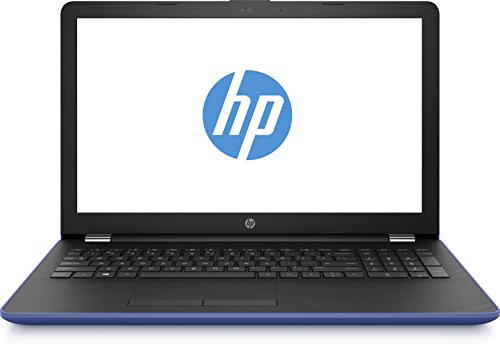
Making your first steps in music editing? The 15-bs178cl has what it takes to deliver your audio craft.
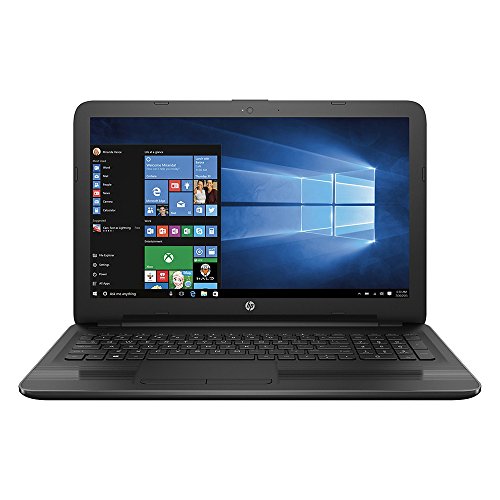
Developing your own tunes and mixes is important to you, so we've recommended a laptop that has got an advanced audio system on-board with HD sound capabilities. The presence of a 2 cores core process will help speed up music format conversions or codec-based compression.
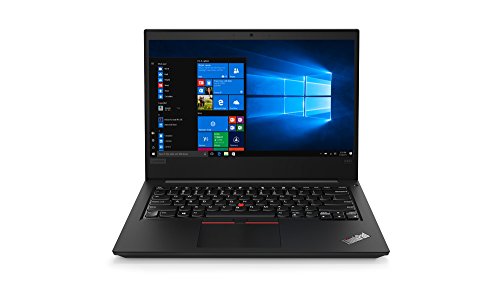
Developing your own tunes and mixes is important to you, so we've recommended a laptop that has got an advanced audio system on-board with HD sound capabilities. The presence of a 2 cores core process will help speed up music format conversions or codec-based compression.
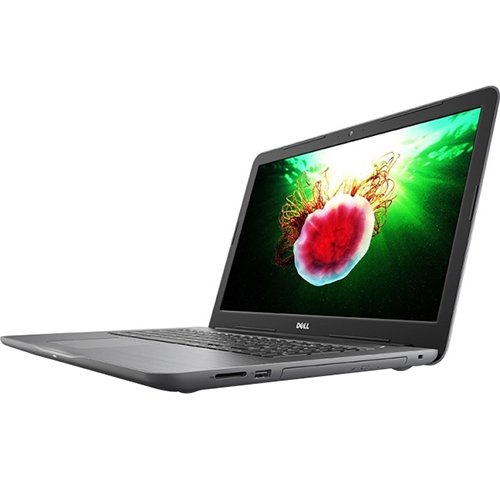
Making your first steps in music editing? The 5567 has what it takes to deliver your audio craft.
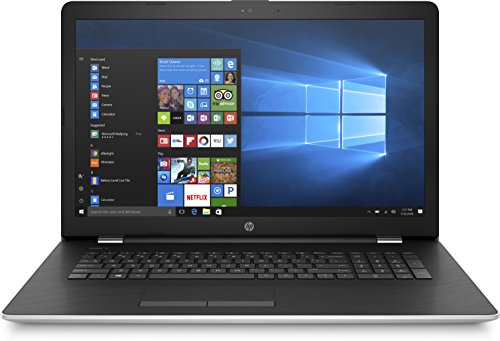
Developing your own tunes and mixes is important to you, so we've recommended a laptop that has got an advanced audio system on-board with HD sound capabilities. The presence of a 2 cores core process will help speed up music format conversions or codec-based compression.
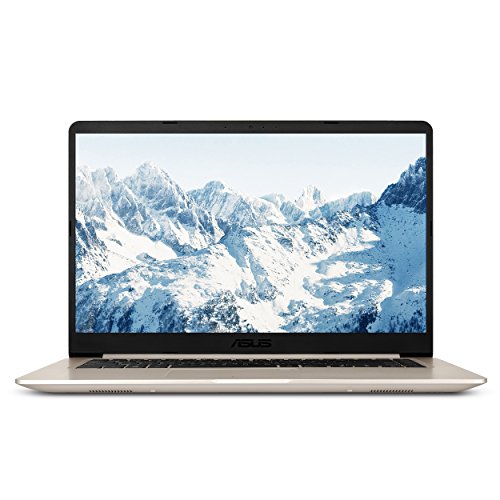
Making your first steps in music editing? The VivoBook S510UA-RS51 has what it takes to deliver your audio craft.
.
For most families: the DELL XPS 15 9570 i7 15.6 inch IPS SSD Grey. Don't overthink it.
These picks are ordered around fit, not retailer commission. If your needs are more specific, Choosist can narrow the choice for your budget, use case, and region.

🧭 Minimum specs at a glanceWindows: 8GB RAM minimum, 1...

Lockdowns and social distancing are the new normal, so schoo...
If you’re planning on buying a new laptop and your budget ...
When some video games are making more money than big-budget ...

When looking for a new gaming laptop, the first thing to rea...
Engineers and engineering students now rely on their comp...
When it comes to laptop capabilities, every single one on th...
Technology has made massive headway the past few years, and ...

Ensuring your laptops ready for the latest gaming sensation...
For gamers with a budget of around C$1,500, there’s go...

Laptops are very convenient because they go wherever you g...

There is a general rule when buying a new gaming laptop – ...
Nowadays, taking your 17-inch laptop to the library no lon...

There’s nothing worse than buying a laptop for gaming, loa...

If you believe the movies, higher education is principally a...