Best Touchscreen Laptops in 2026

Laptops are very convenient because they go wherever you go. This lets you get to work or surf the net—as Shakira puts it—whenever, wherever.
But you may find yourself wishing for the touchscreen features your phone has. If only you could have a device like your smartphone, except with a bigger screen...such as a touch screen laptop!
Now that it’s on your radar, how should you go about purchasing one? To help you out, we at Choosist have done the research to save you some time. Below are a few things to consider when buying a touch screen laptop.
The touch laptop’s rise in popularity
In 2013, out of the 46 million laptops purchased, 4.57 million had touchscreen capabilities. 6 years later, that number’s sure to be much higher.
Ever since smartphones came out in the late 2000s, their utility’s been a source of obsession. It was only natural for that obsession to transfer from smartphones to laptops since they’re also a commonly used portable device.
Why should I consider a touchscreen laptop?
Here’s the number one reason why you should get a touchscreen laptop:
Convenience
Imagine lying in bed or on the couch, snuggled up and ready to watch a movie on your laptop. But the trackpad might not be very responsive, and a USB mouse can end up tangled with other cables.
If you had a touch screen laptop, all you have to do is reach across and set up everything with no hassle. Thanks to the great screen responsiveness, and wire-free design.
Digital art
If you love the feel of hand drawing art but need a simpler way to digitize your work, a touchscreen laptop is excellent for this purpose. You can open up your program of choice and draw with either your fingertips or a stylus.
This type of digital artwork gives you more control than a mouse does, which can help you keep your style as close as possible to drawing with pen and paper.
For school
Are you a university student? Then using a touchscreen laptop can be highly advantageous when compared to traditional note-taking. Typing out your notes lets you keep up with your professors’ lectures easily, plus it lessens the strain on your hands. You can also use the stylus option to handwrite notes on PDF handouts. Or doodle when you’re bored.
Important factors to consider
Here are a few things the experts at Choosist think you should watch out for when you’re browsing for a touchscreen laptop.
Price and resolution
You should expect to pay more for a touch screen laptop than you would for a regular one. Companies like Dell and Lenovo can charge up to $300 more.
But the plus side of paying more for a touch screen laptop is you usually get better resolution. So before you balk at the price tags, you’ll want to keep this in mind.
Touchscreen options
Cheaper touchscreen laptops will only have single-touch capabilities. It’s quite basic but works for people who just want to use their laptops for leisure.
However, if you’re looking for precision, you’ll want to keep an eye out for the multi-touch feature. This lets you use two fingers, gestures, and pinches to navigate through your programs.
Battery life
Because there’s the added touchscreen feature, this type of laptop will have shorter battery lives than usual. If you want to bring just your laptop around, no accessories, you might run into problems with it dying.
But if you plan on either bringing your power cord or only using your laptop for short periods, the battery life won’t matter much at all.
Portability and weight
These two factors go hand-in-hand. Touchscreen laptops usually have thicker screens, which means they can be slightly heavier than regular laptops. It’s probably not enough to make a significant difference. However, it may still be enough to require a carrying case instead of your small purse or bag.
Find the right touchscreen laptop for you
Now that you know what to look out for when shopping for a touch screen laptop, it’ll be easier to sift through all the available options. Want to leave your power cord at home at all times? Then better go for ones with longer battery lives.
If you want some inspiration or want to cut down on your research time, we’ve put together a list of some laptops that may interest you. Check out our picks for the best touchscreen laptops of 2026!
Budget Touchscreen Laptops
Our scores reflect the needs in this guide, rated across 40+ dimensions by the Choosist engine.
Choosist may earn a commission if you buy through retailer links. Recommendations are based on product fit, not retailer commission. Prices and availability can change. As an Amazon Associate I earn from qualifying purchases.
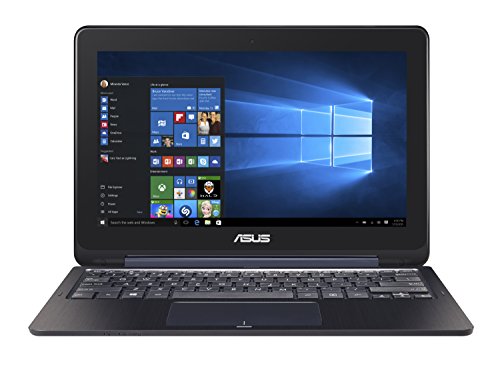
Surf comfortably as all components of your Asus will easily handle the web Sending and receiving email is a relatively lightweight activity that the Transformer Book Flip TP200SA-DH01T can comfortably handle. It also comes with of total storage so you never have to delete a message or attachment...
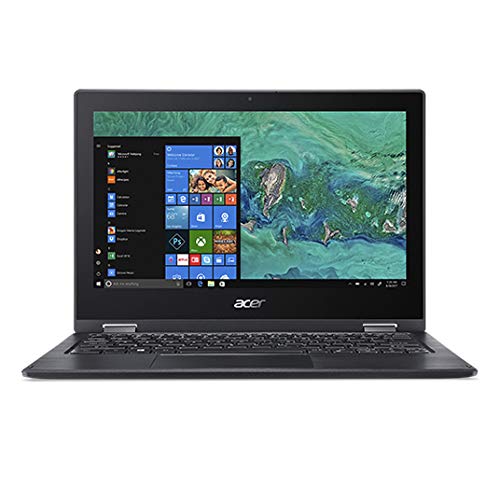
Surf comfortably as all components of your will easily handle the web Sending and receiving email is a relatively lightweight activity that the Spin SP111-33-C6UV can comfortably handle. It also comes with of total storage so you never have to delete a message or attachment again. Social networking...
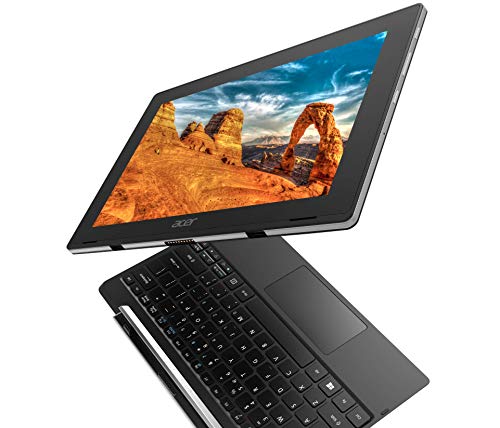
The Switch V 10 SW5-017P-17JJ makes surfing the web easy thanks to a reasonable hardware specification and fast, reliable b/g/n/ac WiFi connectivity. Email demands very littl e from a laptop. We've taken this into account . Facebook, twitter etc require little processing power or screen...
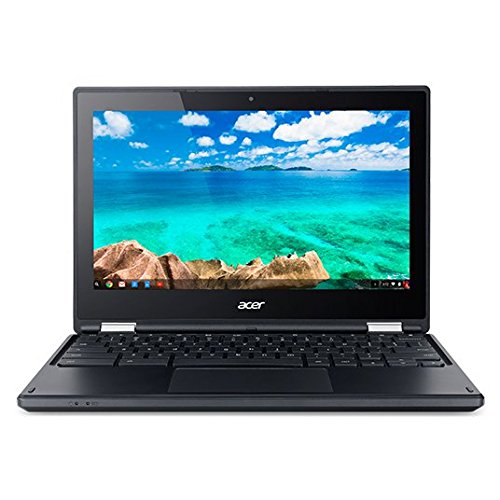
Surf the web at speed thanks to the C738T-C5R6’s speedy b/g/n/ac WiFi interface. Sending and receiving email is a relatively lightweight activity that the C738T-C5R6 can comfortably handle. It also comes with of total storage so you never have to delete a message or attachment again. Social...
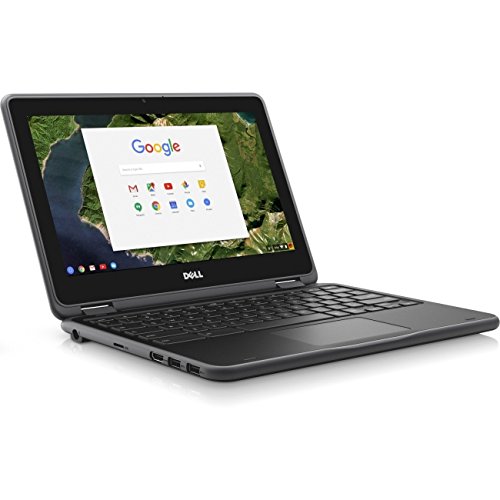
The Chromebook 3189 makes surfing the web easy thanks to a reasonable hardware specification and fast, reliable b/g/n/ac WiFi connectivity. A sizeable drive allows you to download and manage hundreds of thousands of emails on the Chromebook 3189. Facebook, twitter etc require little processing...
Mid-priced Touchscreen Laptops
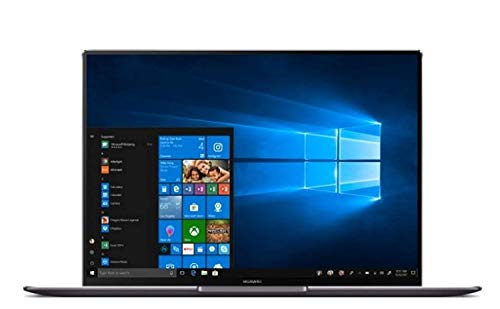
Whether your scoring on this year's FIFA or dominating on Fortnite, a basic laptop won't cut the mustard. The 1.6 GHz 4 cores processor and NVIDIA GeForce MX15 will ensure smooth gameplay and the advanced wifi ensure you'll be victorious in any adventure.

Resolution of up to 1920 x 1080 pixels means you can work in greater detail Running editing programs such as photoshop is possible due to the inclusion of 8 GB of RAM and the 4 cores-core processor. Even more, you can render your image and design work with ease as this laptops comes with a robust...
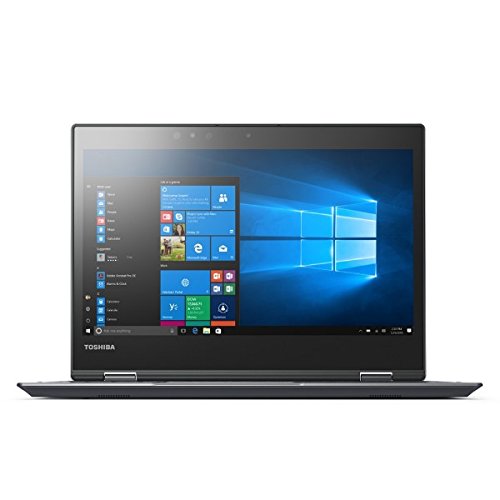
Light, portable, and full-featured, the Portege X20w-d1252 is ideal for carrying between offices and libraries. You’ll have all the tools you need to research and write outstanding research papers and theses.
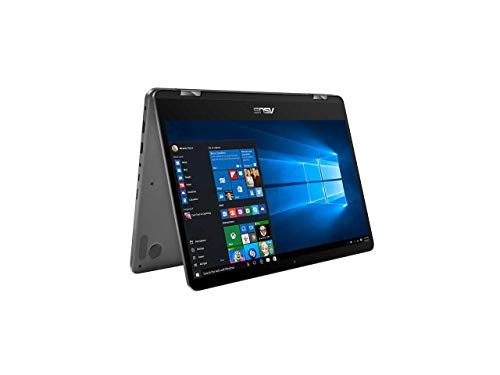
As a student or researcher, the ZenBook Flip 14 UX461UA-IB74T provides a good balance of portability and performance. With b/g/n/ac WiFi support, you can easily roam between networks in libraries, offices and labs. This laptop gives you the tools you need to research and write outstanding papers.
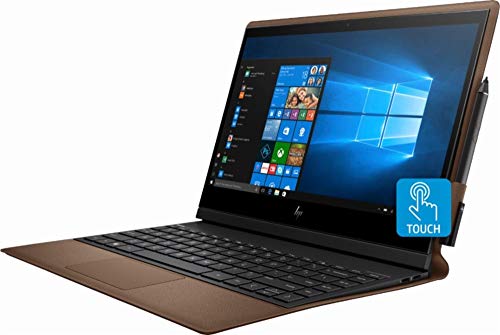
As a student or researcher in the social or physical sciences, this device provides a good balance of portability (with it's 13.3 inches screen size) and performance so that you're free to roam the labs or libraries with a machine that can competently multi-task your data crunching,...
Premium Touchscreen Laptops
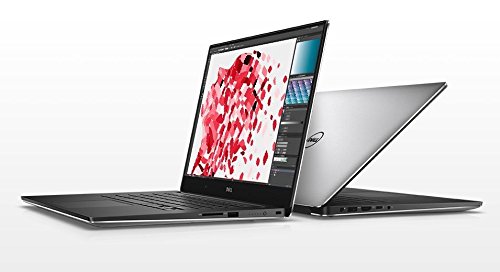
From running visual & structural simulations to rendering you next animated or VR showpiece, this laptop's multi-core CPU and its production-focused GPU (the NVIDIA Quadro M1200 ) can help share your ideas in vivid detail.
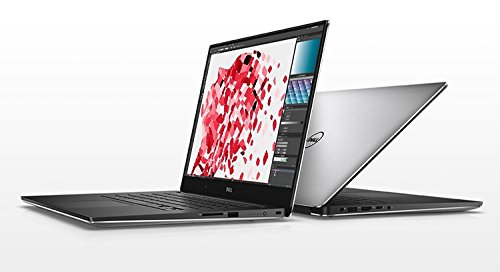
With this Precision M5520's resolution of 3840 x 2160 pixels pixels, you'll have sufficient visual clarity to discern which video sequence makes the cut. Continuously tweaking video clips requires a quite a bit of computing power. Which is why the memory size of 16 GB, the multi-core processor and...
From running visual & structural simulations to rendering you next animated or VR showpiece, this laptop's multi-core CPU and its production-focused GPU (the NVIDIA Quadro M1200 ) can help share your ideas in vivid detail.
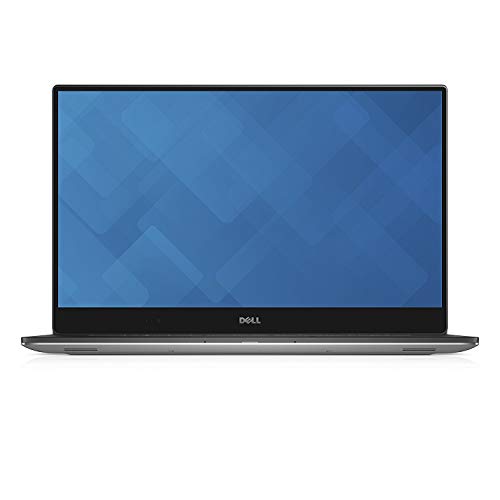
From running visual & structural simulations to rendering you next animated or VR showpiece, this laptop's multi-core CPU and its production-focused GPU (the NVIDIA Quadro M1200 ) can help share your ideas in vivid detail.
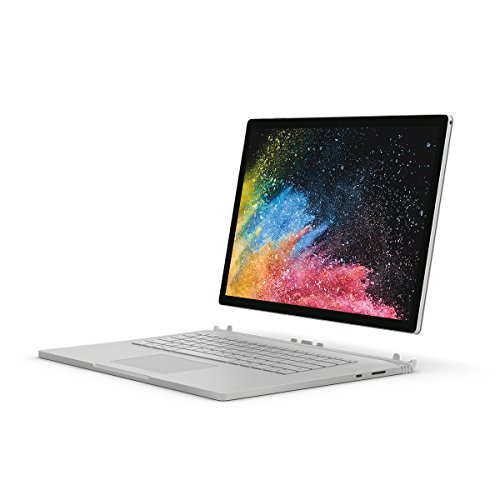
Click, shoot, scroll, or type, the is more than capable of running light games that don’t require high end hardware. And at $2,899.00, this laptop won’t break the bank either.
See our full list of touchscreen laptops
For most families: the ASUS Transformer Book Flip TP200SA Hybrid (2-in-1) 11.6. Don't overthink it.
These picks are ordered around fit, not retailer commission. If your needs are more specific, Choosist can narrow the choice for your budget, use case, and region.
🧭 Minimum specs at a glanceWindows: 8GB RAM minimum, 1...

Lockdowns and social distancing are the new normal, so schoo...
If you’re planning on buying a new laptop and your budget ...
When some video games are making more money than big-budget ...

When looking for a new gaming laptop, the first thing to rea...
Engineers and engineering students now rely on their comp...
Nowadays, musical geniuses can satisfy their passion for mus...
When it comes to laptop capabilities, every single one on th...
Technology has made massive headway the past few years, and ...

Ensuring your laptops ready for the latest gaming sensation...
For gamers with a budget of around $1,500, there’s goi...
There is a general rule when buying a new gaming laptop – ...
Nowadays, taking your 17-inch laptop to the library no lon...

There’s nothing worse than buying a laptop for gaming, loa...
If you believe the movies, higher education is principally a...