Best 17 Inch Laptops in 2026

Nowadays, taking your 17-inch laptop to the library no longer requires a forklift truck and a team of six to get it there. Whilst chunkier tendon-pulling varieties still sell well for the gaming fraternity, svelte, lightweight versions are available in abundance. Choice is good. But we at Choosist fully understand ... having hundreds of options to eliminate can be a tricky thing.
So here are a few things to consider when looking for your ideal 17-incher.
When a 17-inch laptop might be the wrong solution
If you're looking to fit a lot into your screen for example, if you like to have your calendar email and word processor all visible at the same time or simply be able to type and review source material side by side, consider a 15 inch laptop with a ‘Full HD’ or higher resolution screen. You’ll still be able to view windows side-by-side, all still crisp and visible/readable. If it also has advanced screen technology such as IPS or OLED a smaller screen can be surprisingly clear and readable. Therefore you might get what you need with a more portable 15/14-inch screen and have some change (and bag space) to spare!
Also, if opting for a larger screen is to avoid squinting at a screen of tiny characters and details consider the following:
- Lowering the resolution of any laptop will make things look bigger, although you may lose sharpness, detail and space to fit more windows in.
- Adjusting the operating systems text size. Both Apple and Windows make this easy to do. What’s more, if that doesn’t solve it there are ‘accessibility’ options to help even more
- Lastly, and this is so often the most effective one…. check to see if you need reading/computer glasses with your optician.
If you’re after a laptop that you can use also as a tablet. Intelligent laptop inch hybrids / 2-in-1s options are few, with traditional ‘clamshell’ touchscreen varieties fewer still. You may still find some but of course, with a smaller selection, you may have to compromise on other preferences and needs. What’s more, at 17 inches, that’s going to be a heavy and cumbersome handheld! You’ll be much better off with a 15 inch or better still 13-inch hybrid device.
When a 17-inch laptop is what you need
If you want a desktop-like experience there’s no doubt that you’ll most likely find this in a 17-inch machine, not lower. And it’s not just the big screen. The larger format allows for greater expandability - adding an extra hard drive, battery or even Bluray recorder. What’s more, manufacturers can fit components that aren’t at the cutting edge of miniaturisation, which makes the same performance cheaper.
However. Beware that with the bigger screen and components often come with much poorer battery life.
Which 17-inch laptop should I buy?
Gaming? Well, you’re in luck. There are hundreds of gaming laptops out there for you to choose from. A dedicated graphics card, as well as backlit keyboard, are pretty much standard for gaming laptops.
The key variables to be aware of are:
- Ports - whether its external monitors, controllers or sound systems, ensure you’ve got the ability to connect what you want
- Numpad - this can be very important to many gamers in terms of game control, although every year more and more new gaming machines are being produced without them.
- Built-in audio - Sound can be as important a sense in gameplay as vision and you may or may not wish to add external speakers. Many gaming laptops come with high-end audio systems built in, some even with subwoofers!
- Design - Will you be using your laptop in other environments where the usual gaming livery might not convey the impression you wish to. For example, you may also wish to use your laptop for work such as making presentations (great if you have a 17-inch screen!). Well, worry ye not. Ye can kill two computing birds with one 17 inch stone as there is an increasing number of more subtly styled gaming machines.
Spreadsheets? You’re lucky. The way computing power has progressed, most machines will process basic spreadsheets and their data with ease. Indeed most will even handle big data heavy ones, although if the machines are going to be crunching through vast quantities of data or running complex queries locally, you might want to ensure that you have at least 8GB of RAM and a minimum of an i3 processor.
Just remember if being able to view the maximum number of columns at once is the objective, you’ll want one with a Full HD (1920 x 1080) resolution as a minimum.
Readability? So you just find it easier to read text when its bigger and you don't want to compromise in terms of how much you can fit on your screen. Well fair enough. The only advice here is you might save yourself some money by choosing a lower resolution screen… yes, that’s right - lower resolution. A higher resolution display will just make everything smaller again. So save yourself the money.
Media, design and editing? Whether you need your large screened device for creating new cereal packaging, editing your professional vlog, enhancing your photography or working with multilayered audio studio work, ensure you get the best processor you can afford.
Depending on the nature of your work and the applications you use, an Intel i3 processor should really be your starting point, opting for an i7 for activities such as professional video editing or CAD design.
RAM options will vary which media work you’re up to, but 8GB should be a minimum.
With all of these activities, an SSD would be advisable but not necessary. If capacity is important an SSHD might be a compromise. Having both a traditional HDD and a smaller separate SSD might work better, allowing you to keep working files (e.g. video clips) in the SSD and long terms storage in the cheaper slower HDD.
Graphics cards have come such a long way that even many integrated cards are quite capable. A gaming card such as those by NVIDIA will help in all these scenarios but If it’s 3D capability you’re after and you want the best, you’d best look for a laptop with a Quadro or Intel Iris Pro graphics card, designed for activities such as CAD.
Our Top Picks for 17 Inch Laptops
Our scores reflect the needs in this guide, rated across 40+ dimensions by the Choosist engine.
Choosist may earn a commission if you buy through retailer links. Recommendations are based on product fit, not retailer commission. Prices and availability can change. As an Amazon Associate I earn from qualifying purchases.
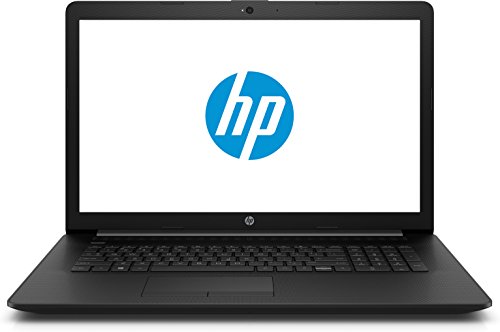
As a student or researcher in the social or physical sciences, this device provides a good balance of portability (with it's 17.3 inches screen size) and performance so that you're free to roam the labs or libraries with a machine that can competently multi-task your data crunching,...
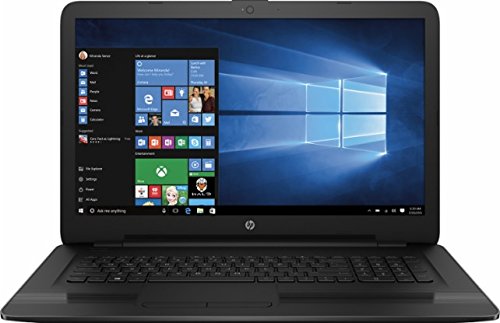
Making your first steps in music editing? The 17-x116dx has what it takes to deliver your audio craft.
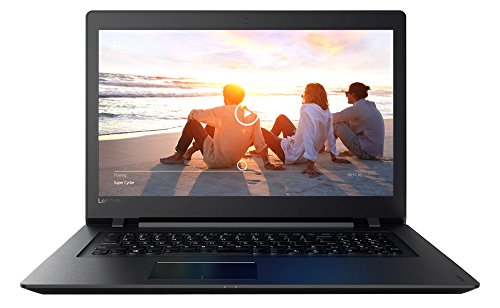
As a student or researcher in the social or physical sciences, this device provides a good balance of portability (with it's 17.3 inches screen size) and performance so that you're free to roam the labs or libraries with a machine that can competently multi-task your data crunching,...
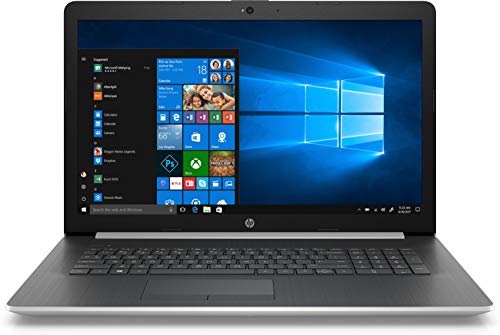
Spreadsheets, presentations and documents, are relatively undemanding, but the Intel Core i7-8550U processor and 4 GB RAM ensures even image laden files won't leave you watching the 'spinning wheel' on the 17-by0068cl Surf the web at speed thanks to the 17-by0068cl’s speedy b/g/n/ac WiFi...
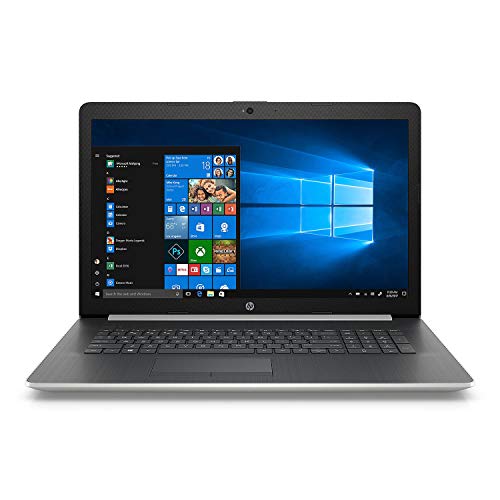
Light, portable, and full-featured, the Notebook - 17-by0062cl is ideal for carrying between offices and libraries. You’ll have all the tools you need to research and write outstanding research papers and theses.
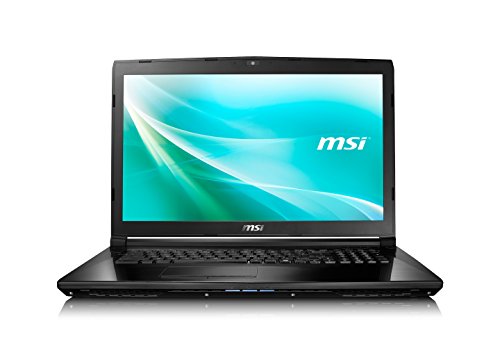
Click, shoot, scroll, or type, the Classic CX72 7QL-026 is more than capable of running light games that don’t require high end hardware. And at $899.99, this laptop won’t break the bank either.
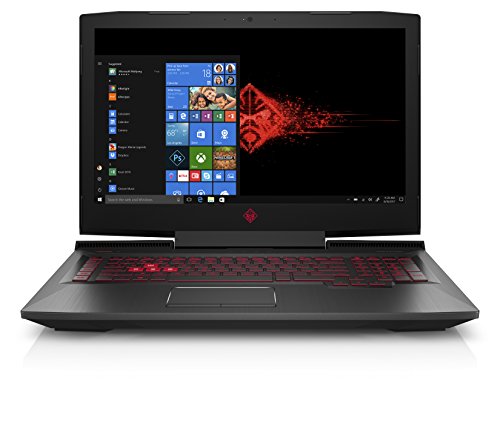
A multi-core Intel Core i7-8750H sits at the heart of the OMEN 17-an110nr, providing plenty of raw processing power for editing 4K high definition video. With a total storage capacity of 1000 GB, the OMEN 17-an110nr ensures you have plenty of space to store your footage.

With this Gaming GF75 Thin 9SC-027's resolution of 1920 x 1080 pixels pixels, you'll have sufficient visual clarity to discern which video sequence makes the cut. Continuously tweaking video clips requires a quite a bit of computing power. Which is why the memory size of 16 GB, the multi-core...
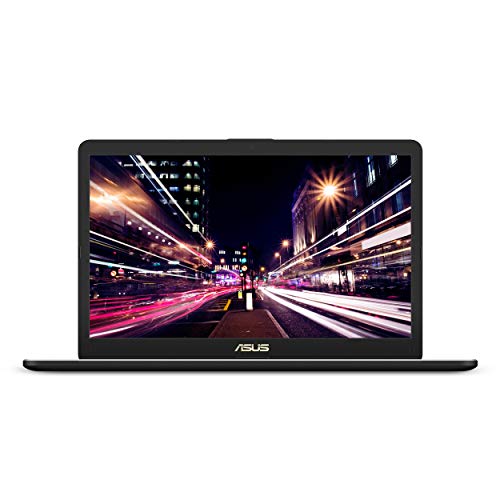
Basic games might need more than basic hardware. The VivoBook Pro 17 Thin N705FD-ES76 is a good choice for casual gamers, offering enough CPU power, RAM and storage to get the job done – hardcore gamers may need something a little meatier though.
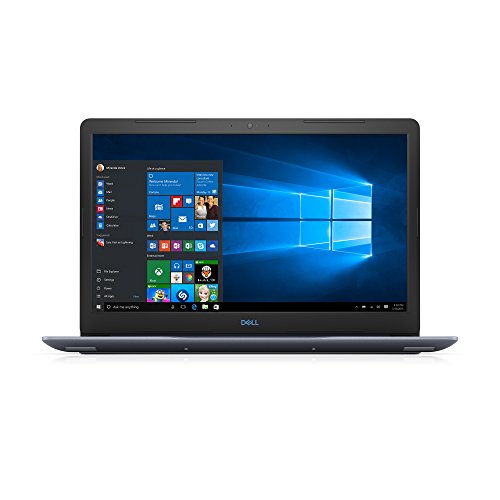
Achieve great photo editing results with the G3 3779 from Dell . It comes with a large NVIDIA GeForce GTX 1050 Ti storage capacity for any pictures you keep on locally on the laptop. It also boasts a handy Memory Card Reader, making it incredibly easy to transfer pictures from your camera while on...
Conclusion
So whilst there are plenty of reasons to kick the habit of bulkier 17 inch laptops, newer 17-inchers aren’t quite as cumbersome as they used to be. If you are going to go for the king-size of the portable computer world, the above advice should steer you towards the right laptop monarch for you.
But remember if the idea of memorising all that advice, juggling different spec combinations and then finding the matching machines across the many good (and excluding the not so good) online retailers seems a little daunting, give our Intelligent laptop finder a go and get tailored recommendation across the web’s best vendors in flash! What's more, we'll find you the best prices too!
For most families: the HP Notebook - 17-by0021dx i5 17.3 inch SVA Black. Don't overthink it.
These picks are ordered around fit, not retailer commission. If your needs are more specific, Choosist can narrow the choice for your budget, use case, and region.

🧭 Minimum specs at a glanceWindows: 8GB RAM minimum, 1...

Lockdowns and social distancing are the new normal, so schoo...

If you’re planning on buying a new laptop and your budget ...
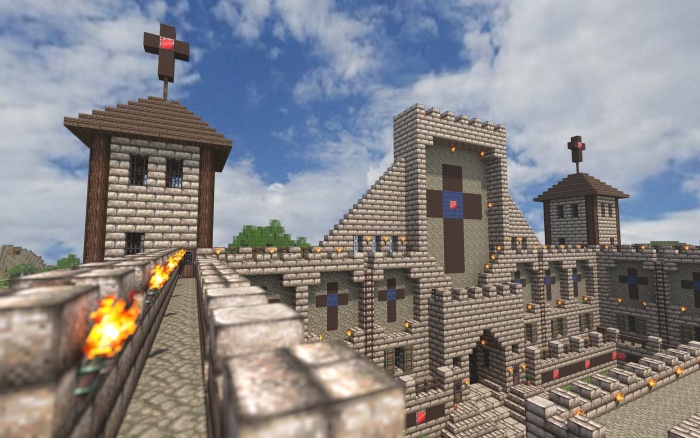
When some video games are making more money than big-budget ...

When looking for a new gaming laptop, the first thing to rea...
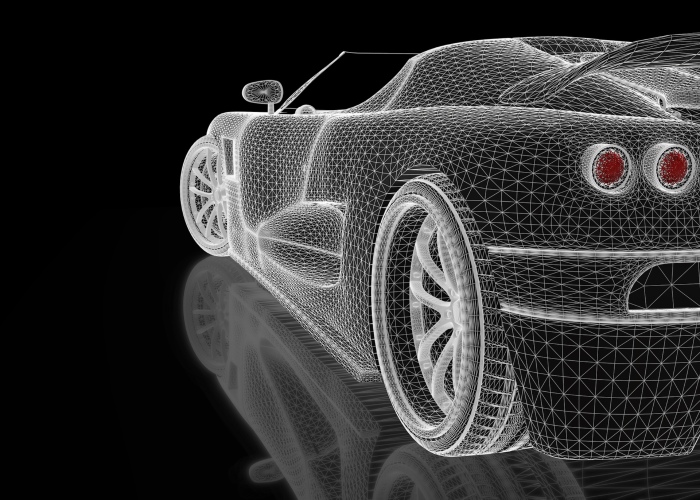
Engineers and engineering students now rely on their comp...
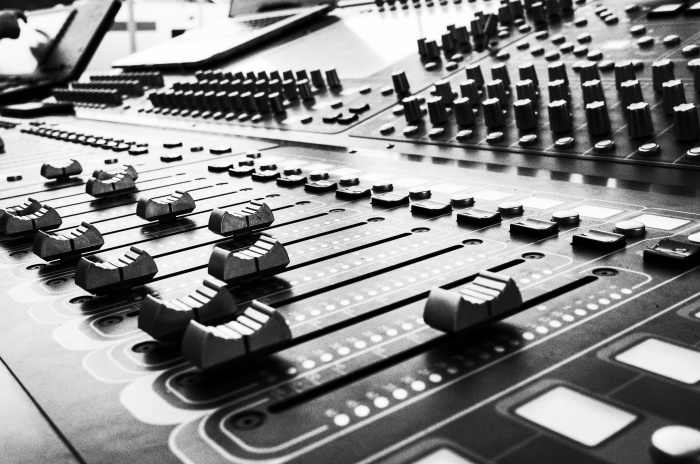
Nowadays, musical geniuses can satisfy their passion for mus...

When it comes to laptop capabilities, every single one on th...
Technology has made massive headway the past few years, and ...

Ensuring your laptops ready for the latest gaming sensation...
For gamers with a budget of around $1,500, there’s goi...

Laptops are very convenient because they go wherever you g...
There is a general rule when buying a new gaming laptop – ...

There’s nothing worse than buying a laptop for gaming, loa...

If you believe the movies, higher education is principally a...